

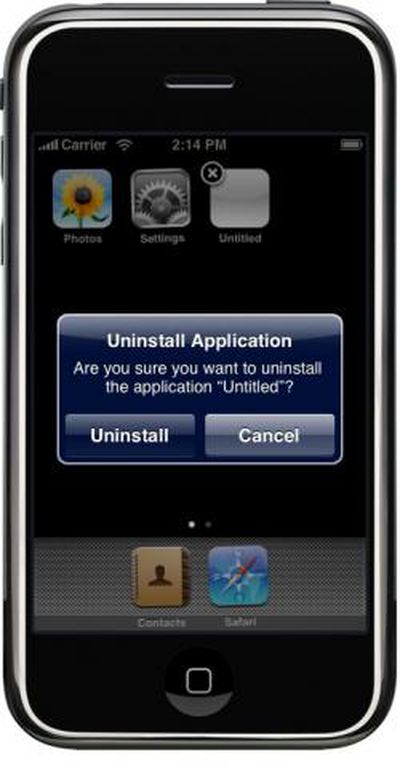
Not surprisingly, in the upcoming iPhone release you will be able to uninstall a 3rd party application the same way you remove Web Applications from the iPhone Home Screen.
- Press and hold on any application icon
- the icons will then start wobbling
- 3rd party applications and Web Applications will show a small "X" on the top left.
- Tap on that, and you are asked if you would like to Uninstall the Application.
These findings are from the iPhone Simulator. We don't know yet if a copy of the application is somehow kept synced with iTunes or if you can re-download a purchased application again from the iTunes App Store.
Related Forum: iPhone





















