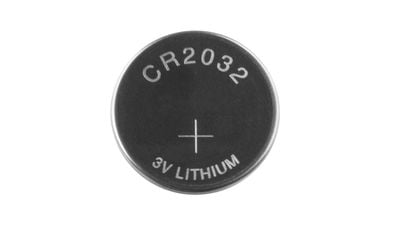
AirTags use standard coin-shaped CR2032 batteries, which are designed to last at least a year before needing to be replaced. Most early AirTag adopters have probably already had to swap in a new battery, but if you've never done it before and find yourself in need of a battery replacement, it's easy to put in a new one.
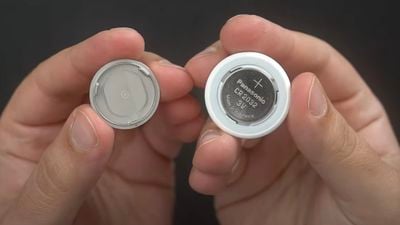
CR2032 batteries are common batteries that can be purchased on Amazon for about a dollar per battery, and you can also get them at many retail stores. Apple warns that some batteries with a bitterant coating intended to discourage children from swallowing them may not work with AirTags, so try to find a brand known to be compatible.
Once you have a new battery, follow these steps to put it in:
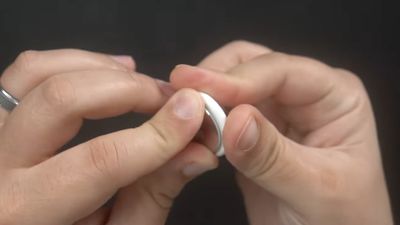
- Press down on the stainless steel backing of the AirTag.
- As you press down, rotate counterclockwise until the cover stops rotating.

- Pull apart the two halves of the AirTag.
- Take out the old battery and replace it with the new battery in the same orientation, which is positive side up. You'll hear a chiming sound when the battery is seated correctly.
- Replace the stainless steel bottom of the AirTag, and make sure the three tabs on the cover align with the slots on the AirTag.
- Rotate the cover clockwise back in place until it stops.

You can check the battery capacity of an AirTag in the Find My app, and you will receive a notification on your iPhone when the battery is low to let you know that it's time for a replacement.