In macOS, Apple's Safari browser includes a download manager that you can use to keep track of any currently downloading files, restart partially downloaded files, and reveal downloads in Finder.
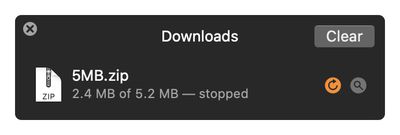
By default, Safari's download manager saves files in the "Downloads" folder of on your Mac, but you can easily customize the storage location by following these steps.
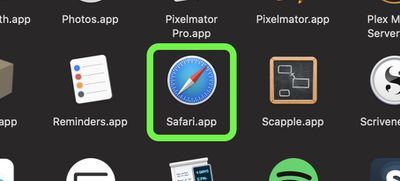
- Launch Safari browser on your Mac.

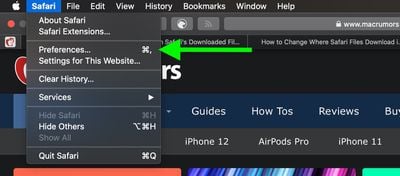
- Select Safari -> Preferences… from the menu bar.
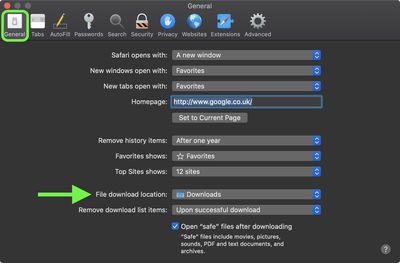
- In the General tab, click the dropdown menu next to File download location.
- Select Ask for Each Download, or Other… to choose a save location for all your downloads.

If you've downloaded files recently, you can access Safari's download manager at any time by selecting View -> Show Downloads in the menu bar, or by pressing the keyboard shortcut Option-Command-L.
Tag: Safari