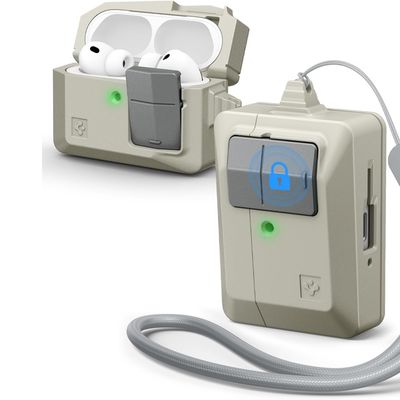
Apple's shiny white AirPods and AirPods Pro are designed to look cool and perform consistently, and chances are you want to keep them that way.
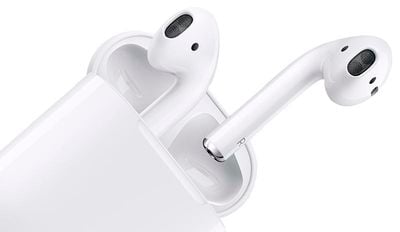
You've probably noticed how that fresh out-of-the-box sheen of your AirPods soon starts to fade as dirt, lint, and other nasties slowly build up in the crevices. It's just the normal result of regular use, but that's no excuse not to clean them now and again. Here's how.
Microfiber cleaning cloths
To clean your AirPods, you'll want to use a dry, lint-free cloth to wipe the white areas of the AirPods and the outside body of the charging case.
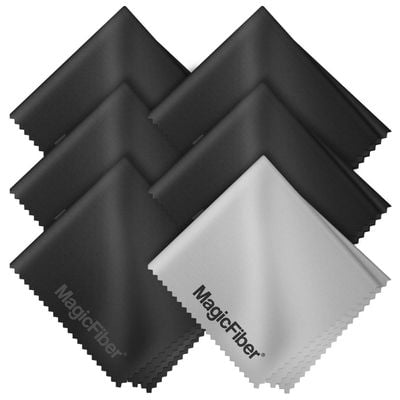
You can pick up some microfiber cloth packs from Amazon that will do the job. A soft-bristled electronics cleaning brush can also help remove debris from the AirPod meshes.
Cotton swab or "Q-Tip"
When it comes to cleaning those harder-to-reach areas like the smaller grilles, mic holes, and charging contacts, a cotton swab or Q-Tip is your best friend.

Just be careful when you're removing gunk and grime from these areas, and don't put anything inside the charging port, lest you damage the metal contacts.
Screen cleaner or water
In extreme cases, a touch of screen cleaner or distilled water on a cloth or swab might help budge particularly persistent grime, but don't overdo it –- AirPods aren't (officially) water resistant, although they have been known to survive rain showers just fine.