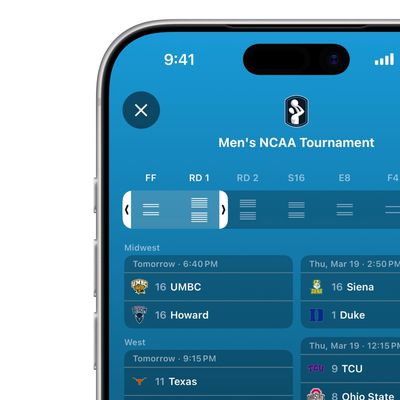
Apple Sports, Apple's free sports app, allows you to follow your favorite leagues, tournaments, teams using an easy-to-read scoreboard interface.
Apple Sports covers NFL, MLB, NBA and WNBA, NHL, MLS, NCAA football and basketball, Bundesliga, LaLiga, Liga MX, Ligue 1, Premier League, Serie A, Formula 1, NASCAR, PGA and LPGA golf, and more. Apple has been regularly adding sports and leagues, so new additions should continue to become available in the app over time.
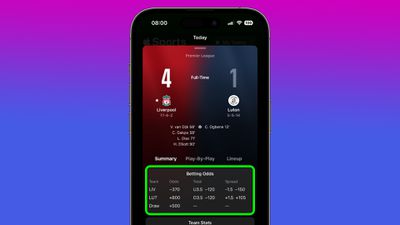
By default, the game screen displays the match's betting odds, but if this information doesn't interest you and is taking up valuable screen space, it's easy enough to turn it off. The following steps show you how.
- In the App Sports app, tap the menu button in the upper-right corner.
- Tap the cog icon.
- Toggle off Show Betting Odds.
That's all there is to it. The next time you open the Sports app, the Betting Odds card will no longer be displayed.