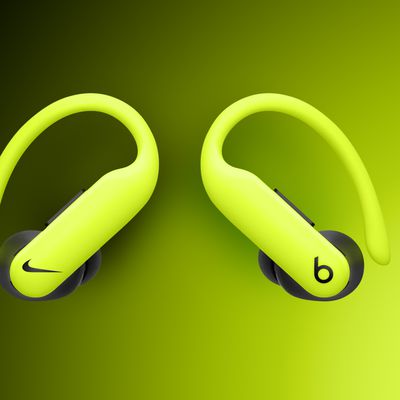
If you receive a call on your iPhone (or an Apple Watch with cellular) when your Powerbeats Pro earphones are connected, the ringing tone will interrupt whatever it is you're listening to.
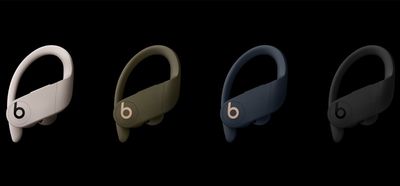
To find out who's calling, normally you'd have to take out your iPhone or look at your Apple Watch, but you can actually have your Powerbeats Pro (or any connected headphones) announce who it is, saving you the trouble.
To enable this feature, simply follow these steps.
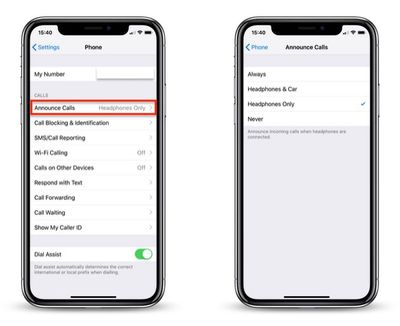
- On your iPhone, launch the Settings app.
- Tap Phone in the list.

- Tap Announce Calls under the Calls heading.
- Tap Headphones Only so that a tick appears alongside the option.
That's all there is to it. The next time someone in your contacts tries to get in touch with you, you'll know who it is before you even accept (or decline!) the call.
Tag: Powerbeats Pro Guide