

In iOS 15, Apple has completely redesigned Safari with easier-to-reach controls in mind when you're browsing the internet. For example, the URL address bar can optionally sit at the bottom of the screen instead of up top, which makes it easier to access when you're using your iPhone with one hand.
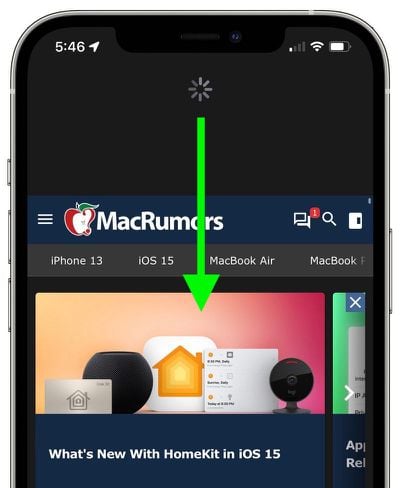
Within the address bar, Apple still includes a refresh icon that you can tap to reload the currently viewed page. However, there's now also an another, less obvious way to refresh webpages that you may find easier to use.
A downward swipe on any webpage is all it takes to refresh a webpage in Safari. This alternative to having to tap on the reload icon is especially useful if you like to keep the address bar at the top of the screen, where tapping the reload icon can be less convenient.





















