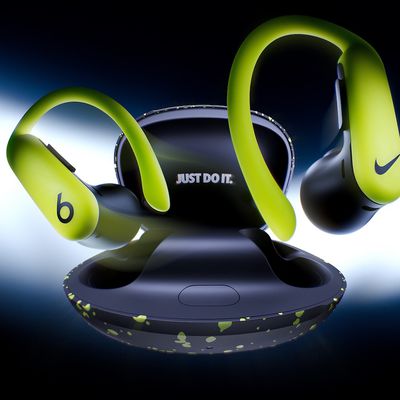
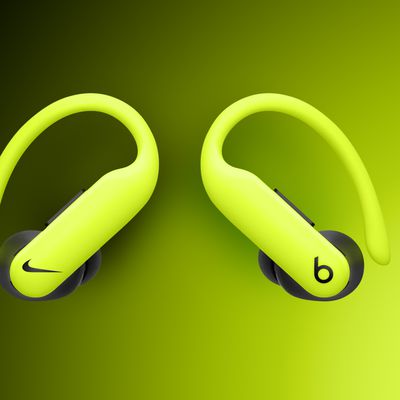
Apple's Beats-branded Beats Fit Pro have a useful reset function that returns them to their factory settings. This can come in handy if you're handing down the wireless earbuds to someone else or you're having any sort of problem with them.
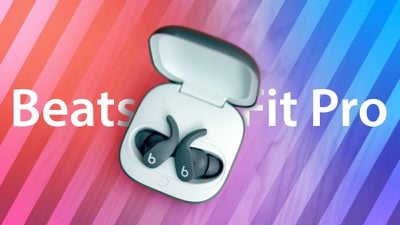
How to Reset Beats Fit Pro
- Place both earbuds in the charging case and leave the case open.
- Press and hold the system button inside the case for 15 seconds or until the LED indicator light flashes red and white.

- Release the system button.
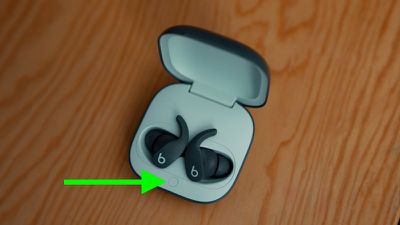
The LED light will continue to flash white, indicating that you can pair your Beats Fit Pro with your chosen device again.
Tag: Beats