In iOS 15, Apple moved all Siri speech processing and personalization onto your device, making the virtual assistant more secure and faster at processing requests. This also means Siri can now handle a range of requests entirely offline.

Once you're using iOS 15, you don't need to enable anything for Siri to work offline. The types of requests that it can handle without phoning home to Apple's servers include the following:
- Create and disable timers and alarms.
- Launch apps.
- Control Apple Music and Podcasts audio playback.
- Control system settings including accessibility features, volume, Low Power mode, Airplane mode, and so on.
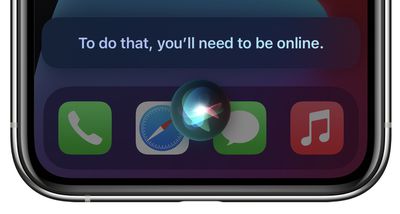
If you don't have a cellular data or Wi-Fi connection and you ask Siri to do anything that requires internet access – such as messaging someone, weather updates, or playing streamed content – you'll get the response like "To do that, you'll need to be online" or "I can help with that when you're connected to the internet."
For all the details on what else Siri can do that's new in iOS 15, be sure to check out our dedicated guide.