If you're an Apple Music subscriber with an Apple Watch Series 3 or later, you can listen to Apple Music right on your wrist, thanks to the device's automatic access to your music library.
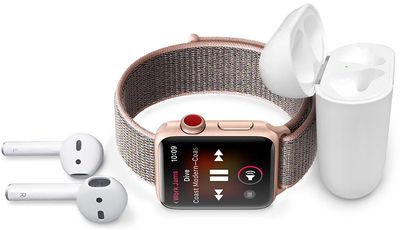
Before you start listening to Apple Music, make sure your Apple Watch is connected to a local Wi-Fi network or a cellular connection. You'll also need to pair your Apple Watch with some AirPods or other Bluetooth headphones.
Accessing Apple Music on Apple Watch
Now, launch the Music app on your Apple Watch, scroll up if necessary and tap Library.
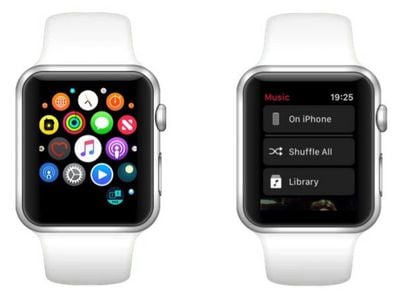
Note that you can also ask Siri to play any song in the Apple Music catalog and listen to custom and live stations in your Apple Watch's Radio app.
Controlling Apple Music Playback on Apple Watch
When you're listening to Apple Music on your Apple Watch or a connected iPhone, your watch screen will show you what's playing, and below that you'll see a number of audio playback controls.
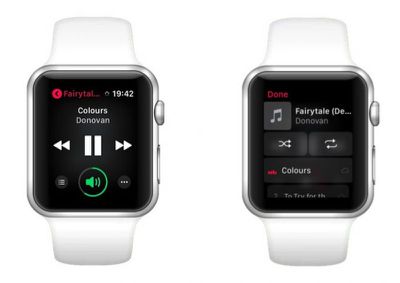
Tap the center button to play/pause a song, or tap the buttons either side of it to skip back or forward a track. Turn the Digital Crown on your watch to adjust the audio volume (you'll see the circle around the speaker icon turn green) or tap the speaker icon and tap the plus and minus buttons to adjust volume level.
Tap the lower right ellipsis button if you want to delete the track from your library, or if you're listening to an album or playlist, tap the lower left button to access the track list, where you'll also find options to loop the list/song and shuffle the track list.