As convenient as Apple's FaceTime is, sometimes you might not want to be surprised or interrupted by a prompt asking you to accept a video or audio call on your iPhone, iPad, or Mac.
Fortunately, Apple has made FaceTime very easy to turn off, and if you want re-enable it in future, you won't have to set it up all over again. Simply follow the steps below.
How to Turn Off FaceTime on iPhone and iPad
- Launch the Settings app on your iOS device.
- Scroll down and tap FaceTime.
- Tap the switch next to FaceTime to turn it off (the switch will become colorless).

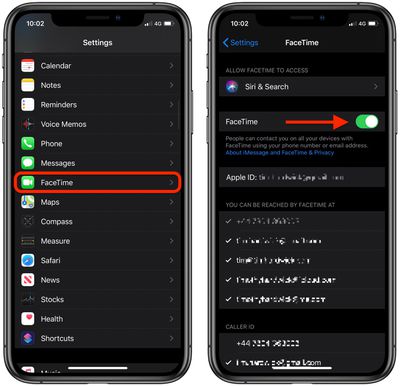
If you ever want to re-enable FaceTime on your device, simply go back into Settings and tap the FaceTime switch again.
How to Turn Off FaceTime on Mac
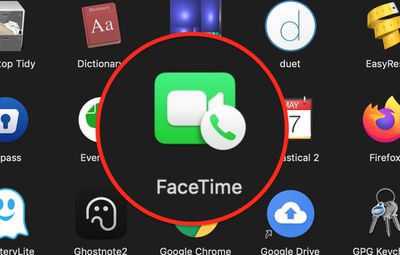
- Launch the FaceTime app on your Mac, from your Dock or the Applications folder.
- From the menu bar at the top of your screen, select FaceTime -> Turn FaceTime Off.

If you ever want to re-enable FaceTime on your device, simply go back into settings and toggle on the FaceTime switch again.
Tag: FaceTime Guide